Showing posts with label Placemarks. Show all posts

Thursday, May 30, 2013

Adding local images into Google Earth placemarks... and IPERNITY

While running a Google Earth course last week in Birmingham, I went through how to add an image to a Placemark. The first issue was that FLICKR has recently changed. This means that it is less straight forward than it used to be
On the plus side
One disadvantage of this is that many schools may find FLICKR and other possible places to store images are blocked in some schools.

There are other alternatives: a blog could be used for examples, although once again these may be blocked in some schools.

A website called IPERNITY now has the option to transfer up to 200Mb of photos per month from FLICKR.
Some browser add ons need to be installed for this process to work...
Once they are installed, it's very easy to add in your photos one chunk at a time... I'm currently doing that so that my photos 'live' in three places. Check my photos HERE.

A bigger problem was that the facility to add local images: from a laptop or other location that wasn't online had stopped working. This would be useful in a school environment where files could be created which will work within the classroom, and not require images to be fetched from an online location.
It was a bit embarrassing that it was no longer working though as I was expecting to show it in action.

I delved into various forums and found quite a few work arounds for adding local images which didn't seem to work very well, but then found one which did....
The first step apparently is to ensure that LOCAL images can be used with Google Earth, which is a setting in the OPTIONS.
This is not checked by default, but I think needs to be ticked for local images to be available for placemarks.
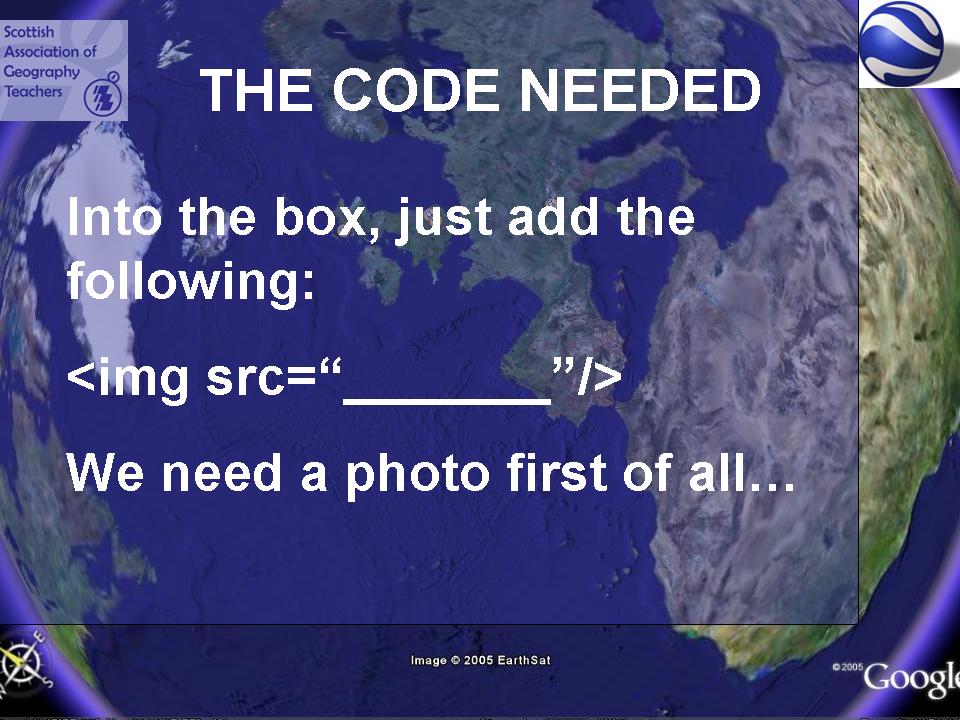
A particular folder path is then required to add to the code that is provided for adding an image: a KML tag which looks like this - which basically points Google Earth to the location where it can find the source of the image.
Instructions follow - added to Slideshare - hope they're helpful...

 
Getting local image files to work in google earth from GeoBlogs

By the way, the next Google Earth course is in London in June, but it's fully booked.

They'll be running again in 2013-14.
Watch the GA website for details as they emerge.

Tuesday, November 15, 2011

VITAL Teachshare: Google Earth Placemarks

My next VITAL Teachshare will be on Wednesday the 16th of November (that's tomorrow if you're reading this today) at 7pm.
It's on ways of customising Google Earth Placemarks...

Click THIS LINK just before 7 to join me. You'll need to allow the download of the plug-in to handle the Elluminate session, which will then allow you to see and hear me, and to take part.

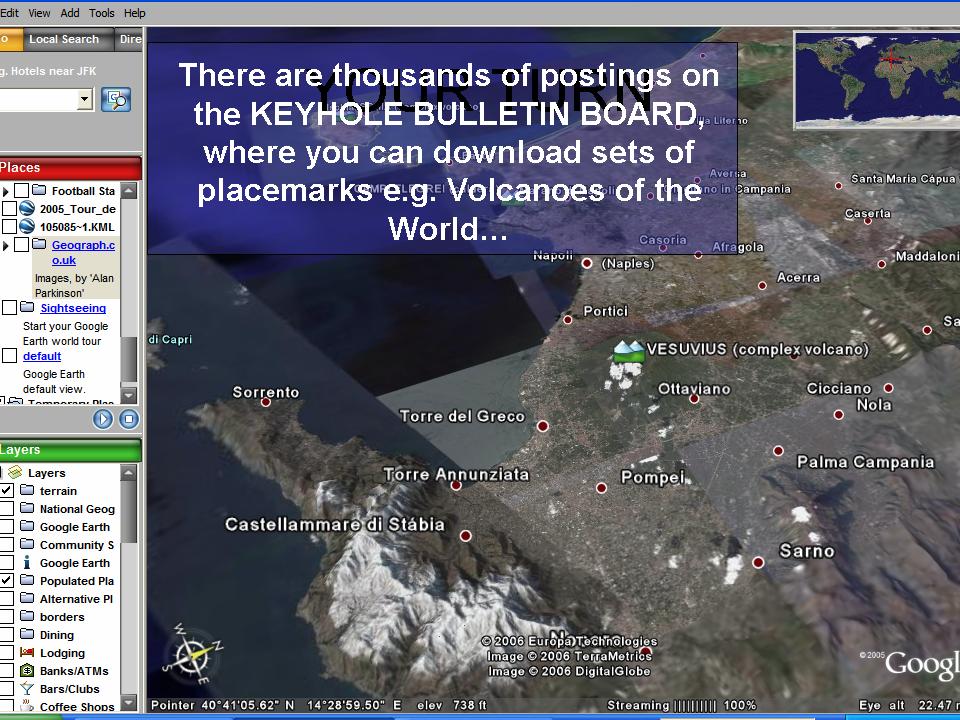
Don't forget to check the KEYHOLE BULLETIN BOARD to get the full range of layers and files shared by  Google Earth users. Use the SEARCH function to unearth the goodness....

This will be my little contribution to WORLD GIS DAY, which is taking place tomorrow, as part of GEOGRAPHY AWARENESS WEEK.

What are you doing for World GIS Day ? 
Why not add a touch of GIS to your teaching tomorrow...

Tuesday, October 21, 2008

Navigation Buttons in Placemarks

A couple of weeks ago, had a very interesting demo of Google Earth, and since then have been trying to find time for writing it up. While in the middle of doing that, I came across another interesting development.

This video by John Gardiner explains how to add navigation buttons into placemarks, so that users can work through a series of placemarks in order...


Going to have to have a go at this when I get a chance. One for February 2009 when I'm leading a Google Earth day....

Saturday, November 04, 2006

SAGT Presentation Slides 13-16


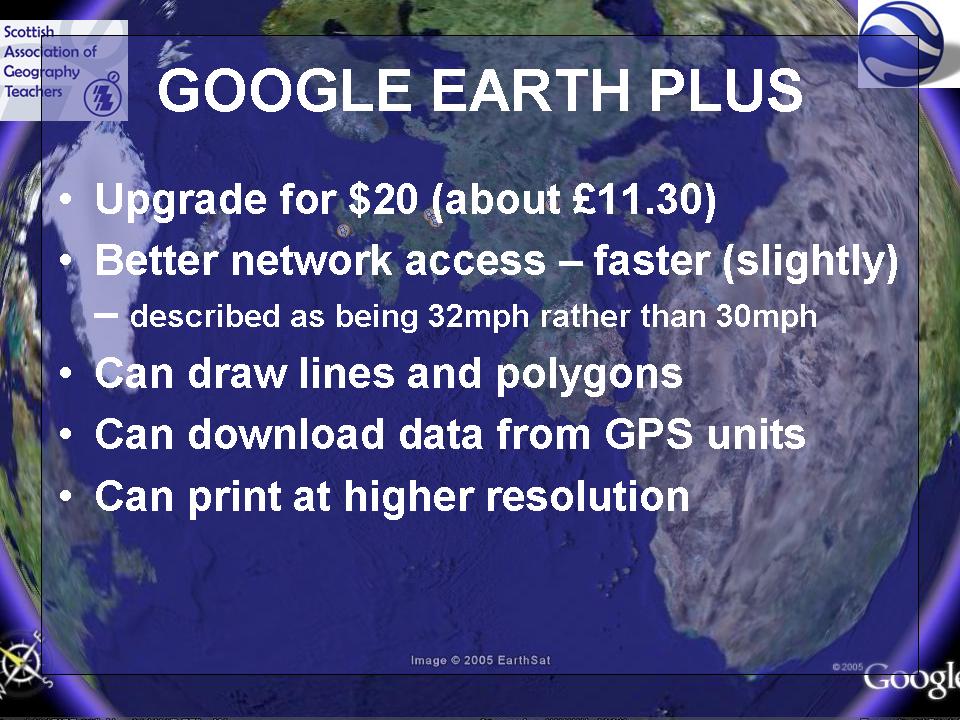
Of course now, with the new updated version of GE4, you get lines and polygons for free.
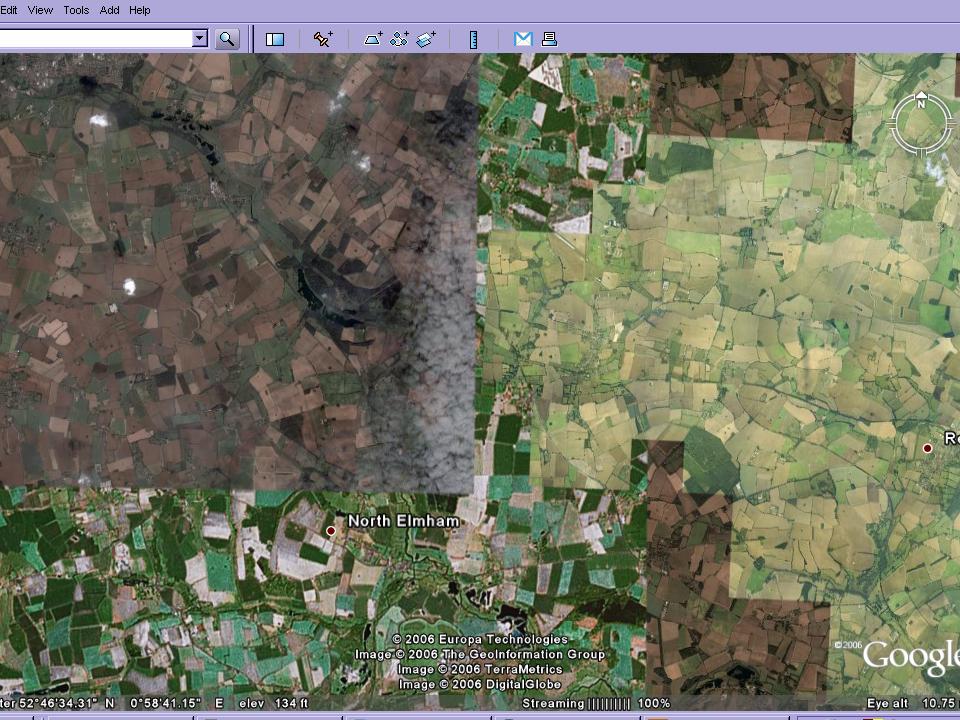
This slide demonstrates that there is varying coverage in the UK of high quality images, and that some of the ideas will be compromised by the quality of the images in particular areas of the country.
Ollie Bray has posted his presentation, which has a whole host of ideas, including Google Earth.
He has also created a series of different video casts, which require various Quick Time plugins (or not....) This is 1 hour and 40 minutes which is well worth watching.


SAGT Presentation Slides 17-20


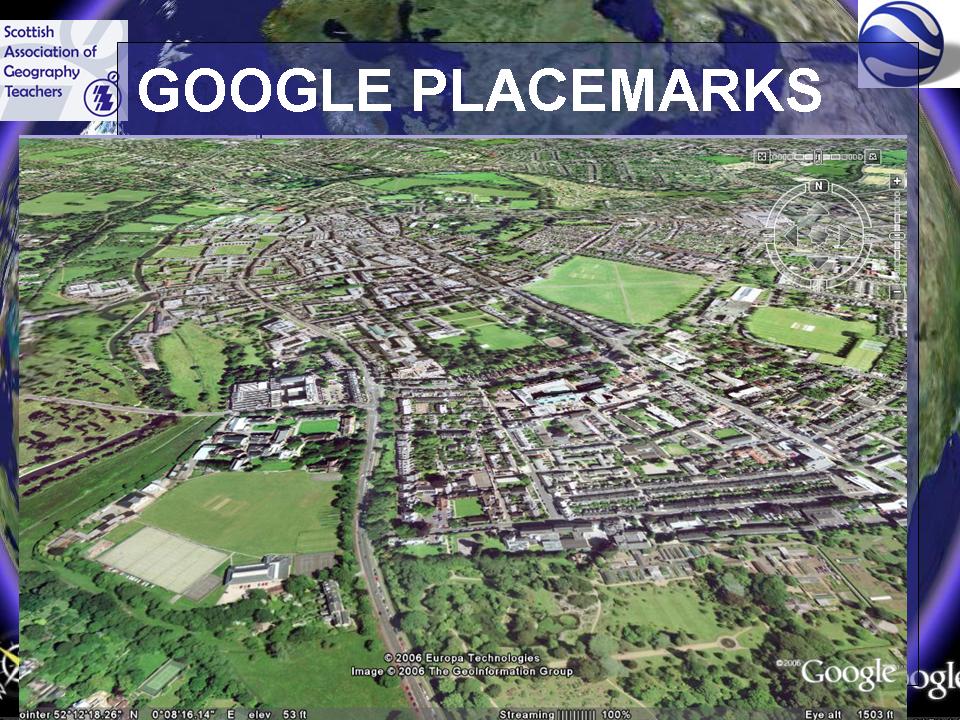
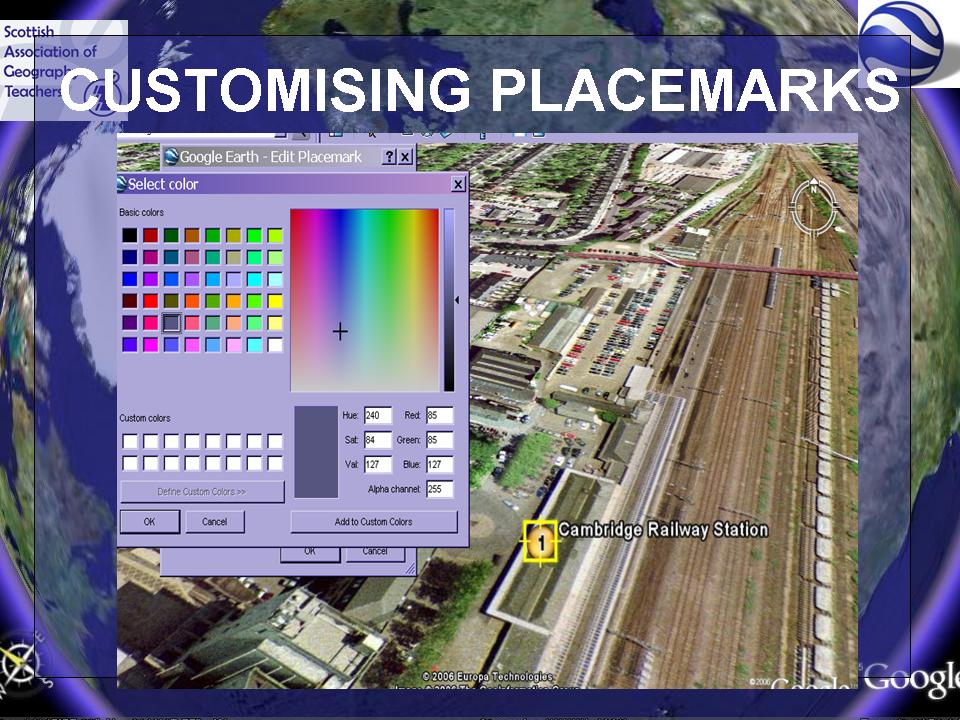
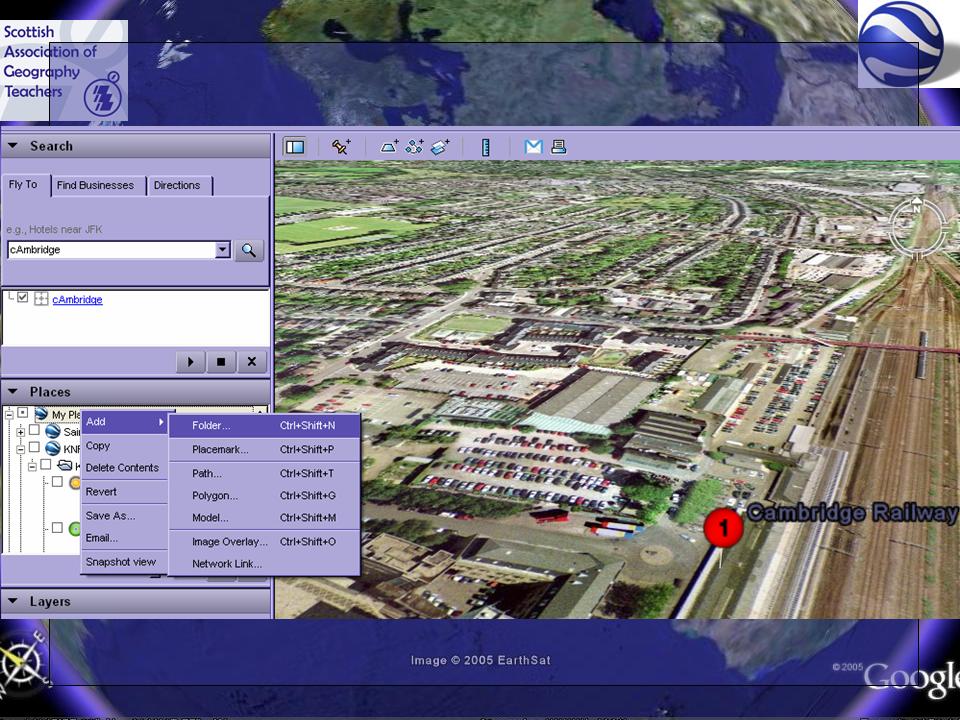
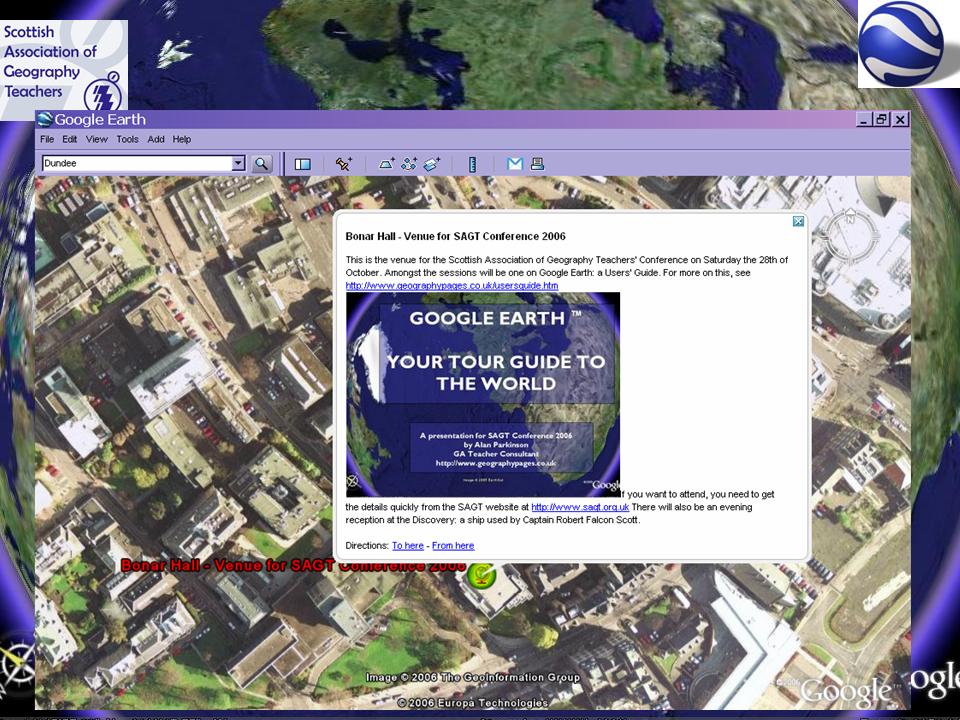
Good imagery of Cambridge. This section looks at Placemarks in the context of a fieldtrip to Cambridge. Good placemark to customise.
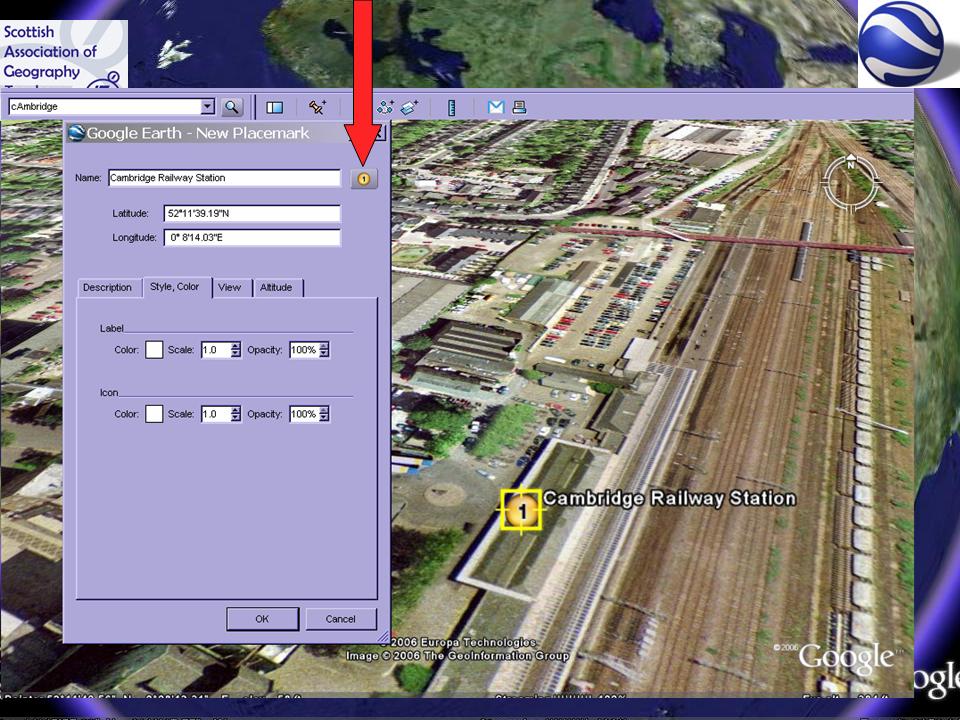
How you can add images, colours, audio and video to placemarks. Changing size and colour of text.

SAGT Presentation Slides 21-24


How to customise placemarks continued...

Many people would only ever use the pushpin version. Click on the pushpin, right click for properties for the changes that you can make.The image of bicycles is hosted on Flickr. Had a comment posted on it, which said that someone had had their bike stolen from that particular bikeshed.

Noel Jenkins and Gavin Richards have both posted examples of how to customise placemarks to add other digital content.
A close up view of the Google Moon, while I took a picture of the audience...

SAGT Presentation Slides 25-28


Quentin D'Souza over at TEACHING HACKS, has produced a useful video introduction to using GOOGLE EARTH in the classroom.

http://www.eyespot.com/ is a new site allowing you to edit video online - could make little Google Earth movies of placemarks that have been located, or for starters to lessons...

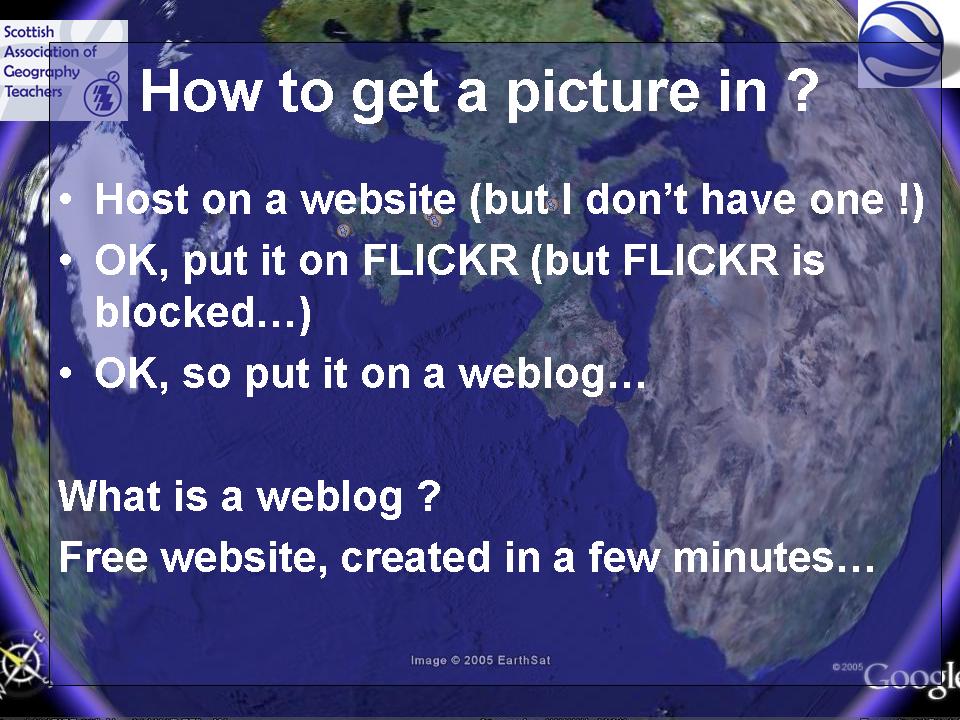
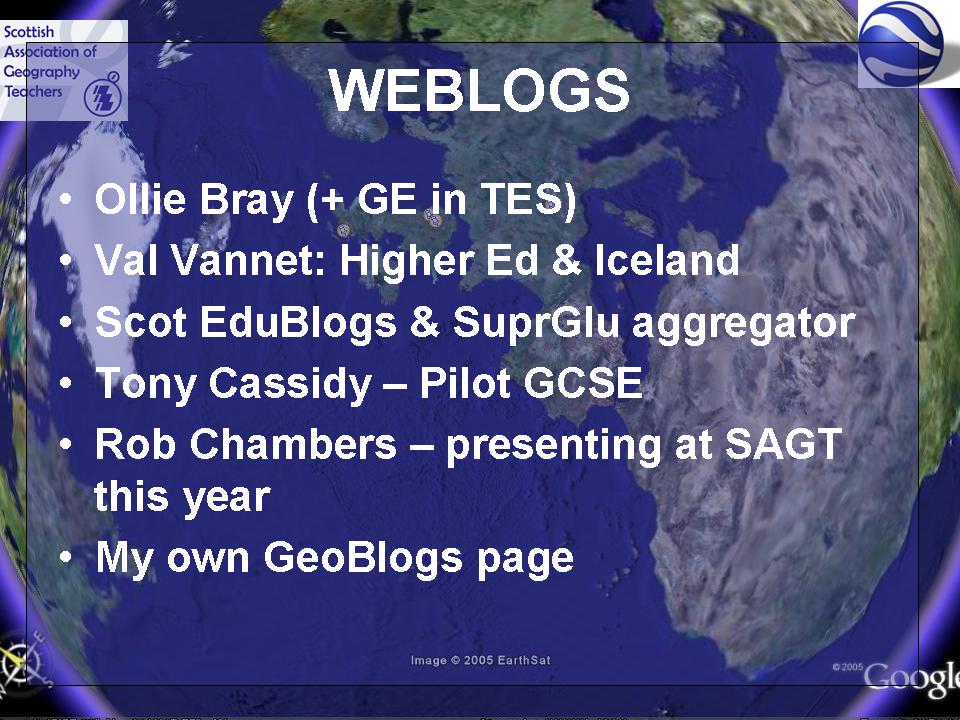
Recommend you get yourself a weblog.
I started the GeoBlogs project in 2003, and people are finally catching on to the fact that they are a great way to communicate with students...


Some good examples of weblogs:

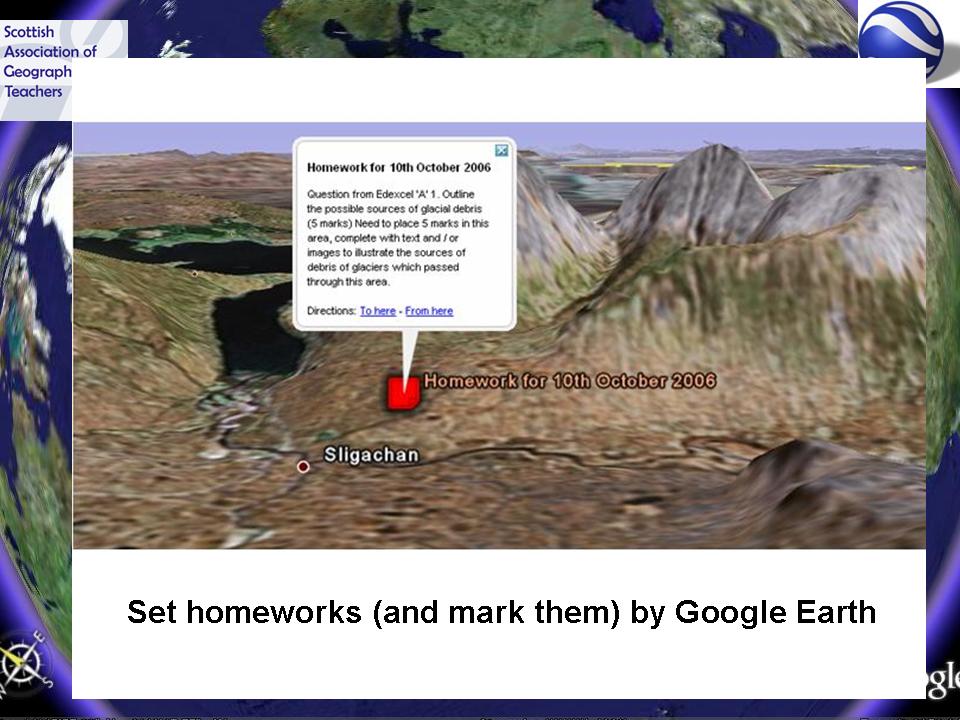
Here's one of my better ideas of recent weeks: marking homeworks and setting homeworks in the form of Google Earth KML files...
Could also include geo-tagged images using Picasa web albums (more on this later...)

SAGT Presentation Slides 29-32


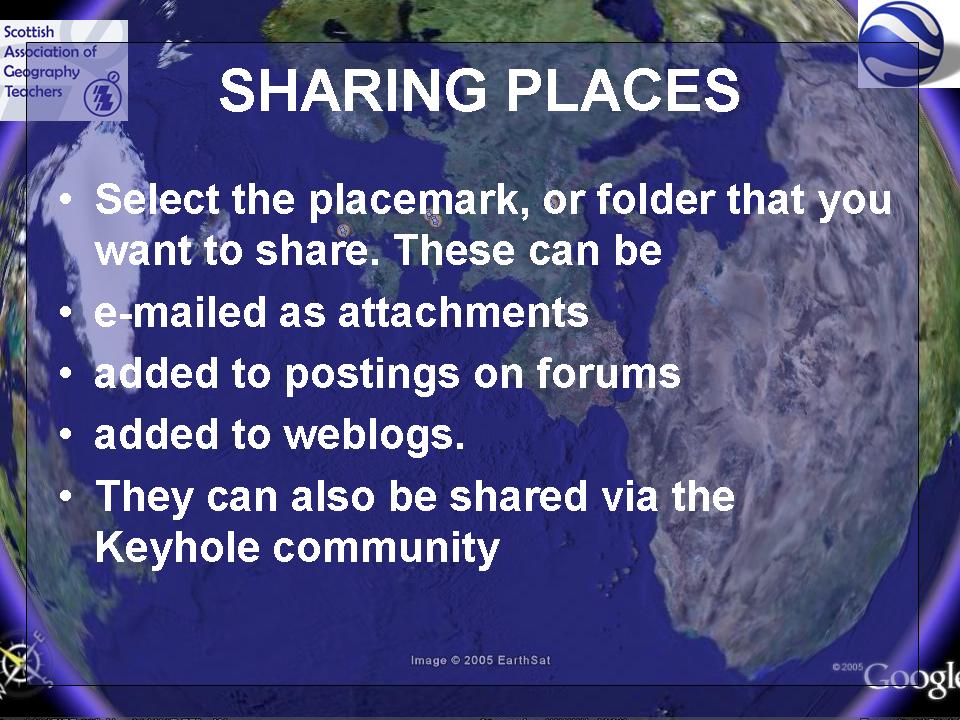
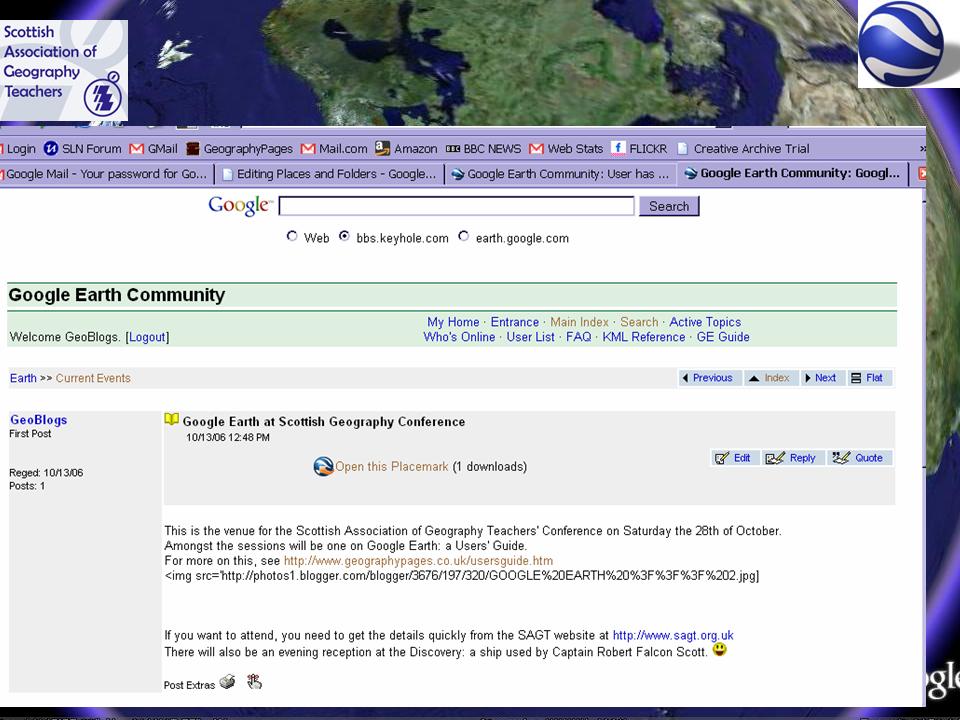
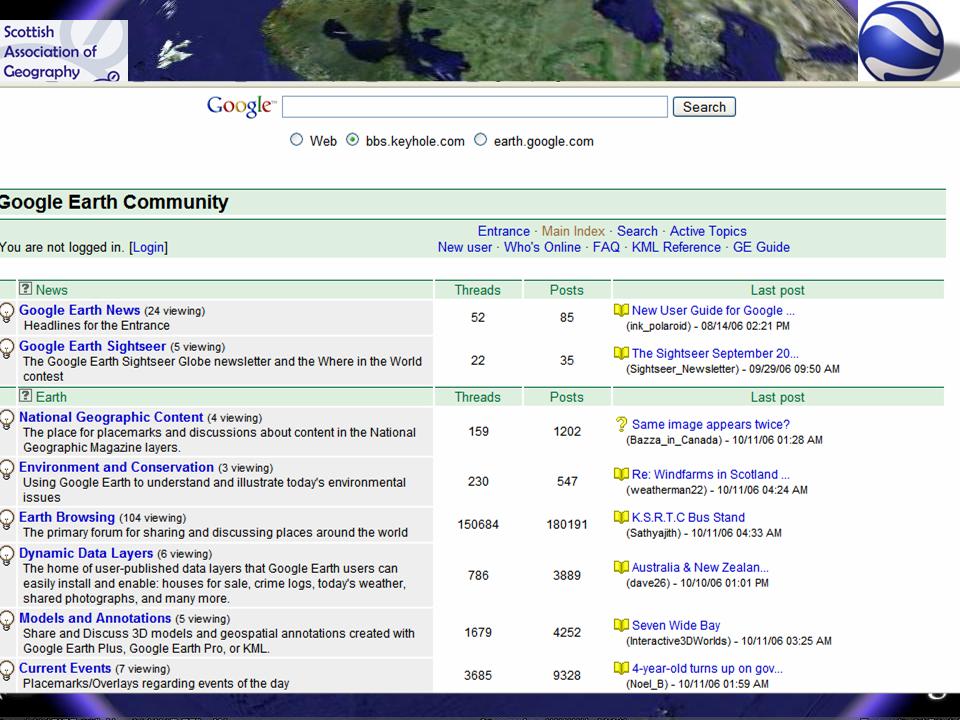
Demonstration of how to share a placemark with the thriving and generous Keyhole Bulletin Board community. Some very creative people here who have produced lots of interest for Geographers...

SAGT Presentation Slides 33-36


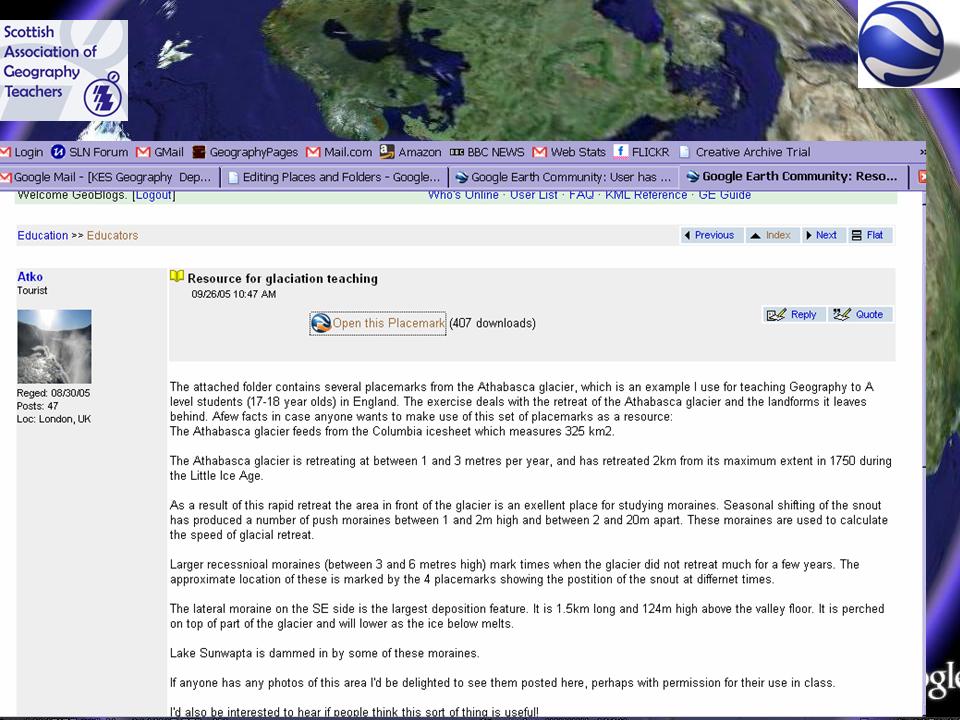
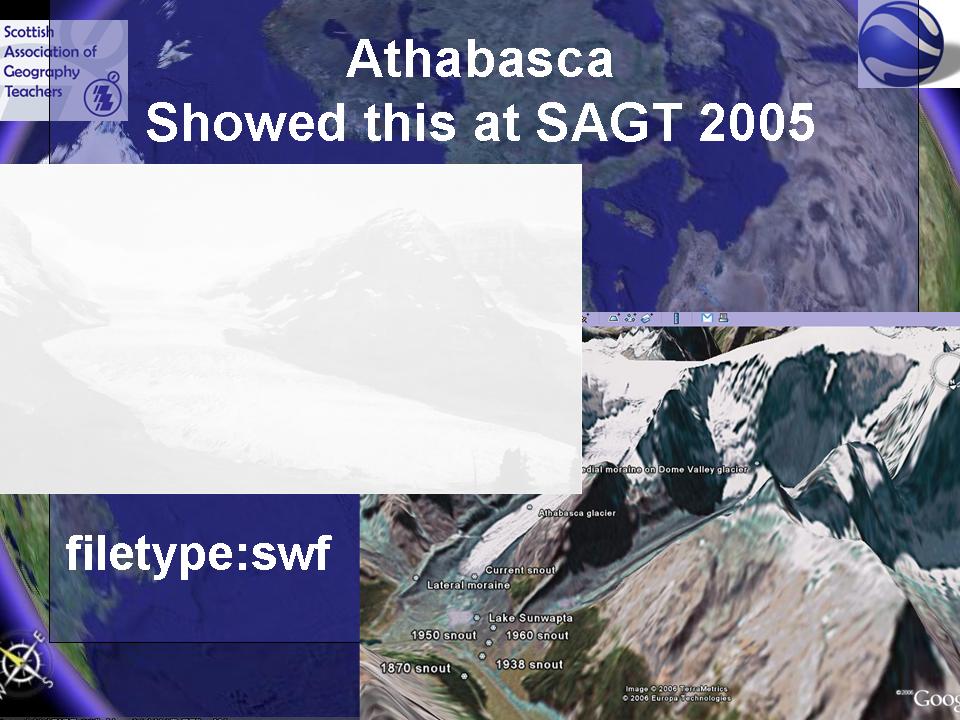
This demonstrates the use of the Athasbasca glacier file I demonstrated in my ragbag of ideas at SAGT 2005 (a sort of precursor of Ollie's presentation this year) - also the old Google search tip of filetype:swf to find the FLASH animations.
I then showcased some excellent images which were provided by Marie Hart of Barnwell School, Stevenage. She took a favela tour of Rocinha in Rio de Janeiro, and I then thought about how to use those to create a favela tour in Google Earth. It also showed the website PERL JAM, which contains hundreds of excellent maps of cities around the world which can also be shown in Google Earth.